What Is a Microsoft Works File (.wps, .wks, .xlr, .wdb, .wpt) and How Do You Open One in 2026?
A practical guide to legacy Microsoft Works file formats, why they persist in corporate archives, and how to open or convert them on modern Windows.
TL;DR
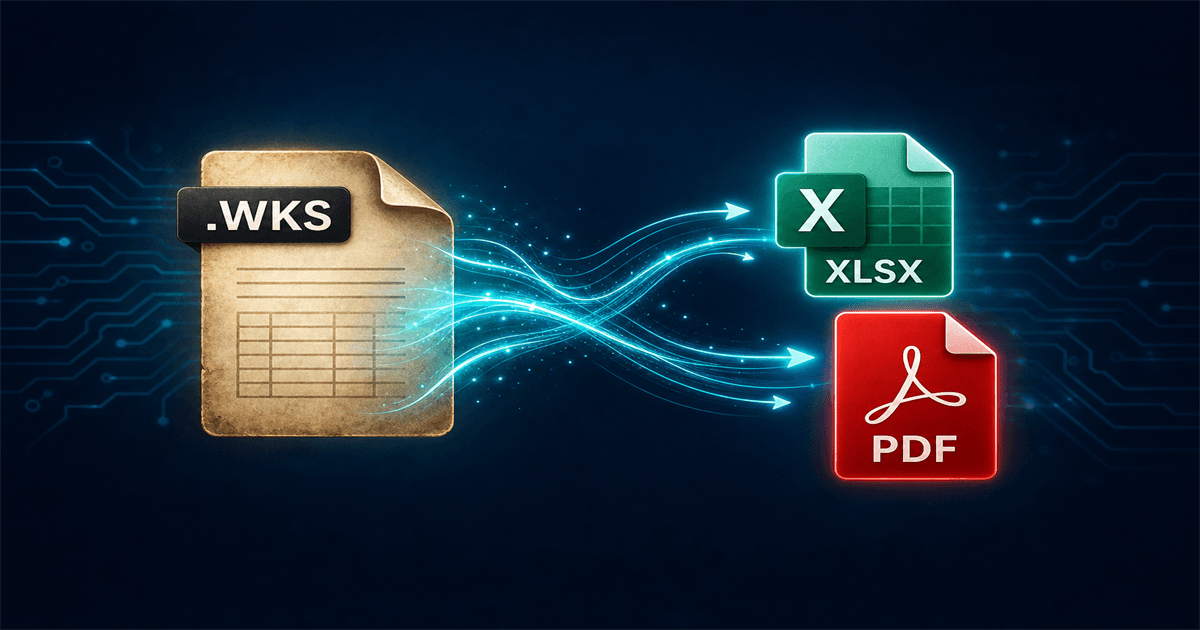
A Microsoft Works file may be a word processor document, spreadsheet, or database from the discontinued Works Suite. Extensions such as .wps and .wpt (word processor), .wks and .xlr (spreadsheet), and .wdb (database) do not open in modern Microsoft 365 apps natively. In 2026 your practical options are the original Microsoft Works application if you still have it installed, LibreOffice for basic viewing of some types, or Microsoft Works File Converter for private, batch conversion to DOCX, PDF, XLSX, CSV, and other modern formats—without uploading files to the internet.
What is a Microsoft Works file?
Microsoft Works was a bundled productivity suite from Microsoft with word processor, spreadsheet, and database modules. Across its history the on-disk formats changed: early spreadsheets used .wks, later releases added .xlr, word processor files used .wps and .wpt, and database tables used .wdb.
These files are packed binary containers. They can include multiple sheets, formulas, named blocks, and presentation elements. That expressiveness is valuable for the original author—and a compatibility challenge for any app that never shipped a first-class import filter, which includes Excel.
Why Microsoft Works formats still matter in 2026
Long-tenured finance, engineering, and operations teams built pricing engines, forecasts, and capex templates in Microsoft Works when it was bundled with their toolchain. Like other pre-cloud spreadsheets, those files followed every NAS migration and divestiture data room—still carrying live logic in a format modern teams no longer install by default.
The risk is not nostalgia; it is access. When nobody can open the .wpt that holds a depreciation schedule, the workflow stops even though the business still depends on the numbers inside.
How to open a Microsoft Works file in 2026
Pick the path that matches how much fidelity you need and how sensitive the underlying data is.
1. Microsoft Works (original application)
If you still have a working copy of Microsoft Works installed, it remains the reference application for its own formats. That is ideal for one-off validation, but most organizations no longer deploy Works on modern Windows hardware, which pushes teams toward conversion.
2. LibreOffice Calc (free, limited fidelity)
LibreOffice Calc can sometimes open select .wks, .xlr, and .wpt files for a quick look. Complex macros, protected regions, and multi-sheet dependencies are where results diverge. Treat it as exploratory, not as the final archive strategy.
3. Works File Converter (local bulk conversion)
Works File Converter focuses on the formats Works teams still encounter—.wps, .wks, .xlr, .wdb, and .wpt—converting them on Windows to DOCX, PDF, XLSX, HTML, Markdown, CSV, and more without a cloud upload step, which keeps customer, pricing, and payroll data on hardware you control.
Convert for Excel and compliance, not just peek at a grid
If the end state is Microsoft 365, ERP loads, or searchable archives, exporting to XLSX or CSV aligns with how those systems already ingest data. PDFs remain useful when you need an immutable visual record for audit or legal workflows.
Works File Converter is designed for batch runs across folders so you are not hand-opening hundreds of legacy Works files on a legacy VM.
Bottom line
Microsoft Works formats are still readable in 2026 when you treat them like the specialized binaries they are—choose either the original app, a lightweight viewer, or a local converter built for bulk modernization.
Convert your files
Related reading
Open and convert Microsoft Works files locally
Try the free Windows trial on a sample of .wps, .wks, .xlr, or .wpt files and confirm XLSX outputs meet your review standards before processing the full archive.
Free trial
Full app features - up to 10 files
Windows 10 or 11
Download the offline installer below for the full 10-file trial. Conversion stays on your PC.