Banking Back Office: Converting Historical Microsoft Works Models for Review
For finance, treasury, and operations teams in regulated banks.
TL;DR
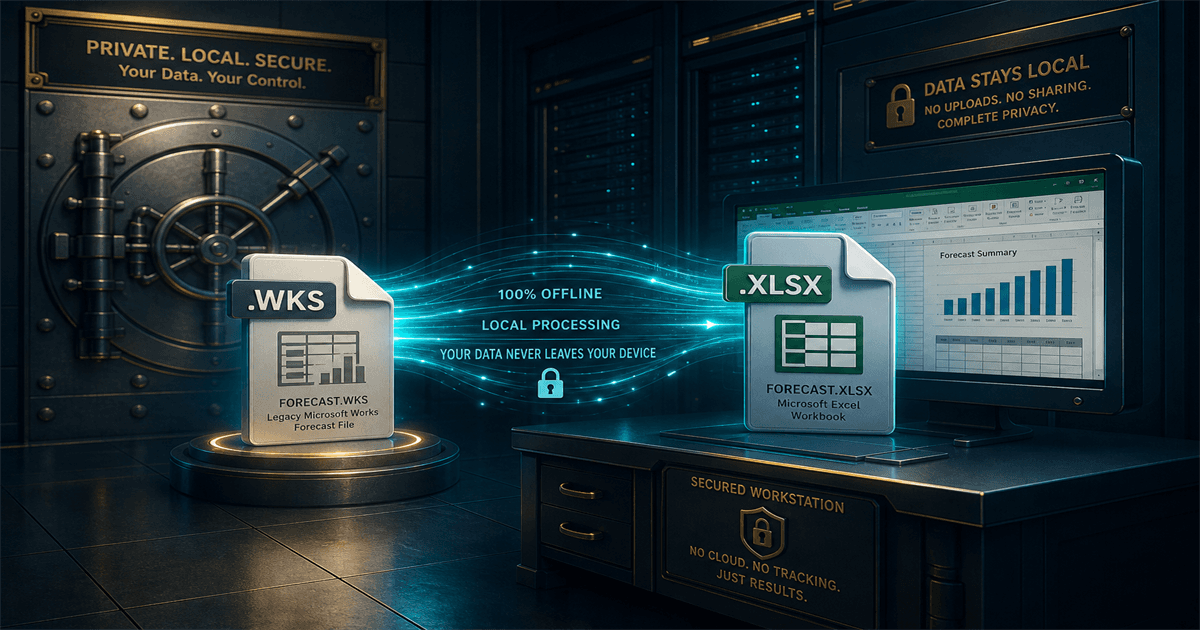
Bank archives still hold Microsoft Works forecasts, reconciliations, capital calculations, and operational models. Cloud upload is rarely acceptable. Local conversion to XLSX, CSV, and PDF lets finance and operations teams review historical data using existing controls, with the conversion log feeding directly into internal audit evidence.
Why finance archives are different
A single bank file may contain account references, customer information, pricing assumptions, capital calculations, or controls evidence. That makes upload-based conversion incompatible with most internal information-security policies and with regulator expectations around third-party data handling.
When a finance or operations team needs a 1990s reconciliation or a pre-merger forecast, the question is not "is the data still useful," it is "how do we read this without breaking policy."
A controls-friendly conversion workflow
1. Read-only source
Stage the Microsoft Works archive on a secured fileshare with read-only permissions. Never convert against the original storage media or the production source.
2. Dedicated output folder
Write outputs to a separate, access-controlled folder owned by the team that requested the conversion. This separates source evidence from working copies cleanly.
3. Per-file conversion log
Capture source path, output path, format, and timestamp for every conversion. The log is part of the evidence package for internal audit and regulatory exam responses.
Output formats that fit existing toolchains
Use XLSX as the primary working copy so the finance team can recalculate and reconcile against current period data. Use CSV when models need to flow into the data warehouse, BI environment, or risk analytics platform. Generate PDFs for audit evidence and for inclusion in board-level review packs.
How this reduces internal-audit friction
Internal audit and second-line risk teams are increasingly skeptical of "we just used a free online converter." A documented local workflow with a per-file log defuses that conversation: every converted record can be traced back to its source archive, and the conversion tool is the same in production and during examination.
Stop converting Microsoft Works files one at a time during audits
Modernize the archive now, build the conversion log into the operational record, and let internal audit verify it instead of investigating it. The next exam cycle is a much shorter conversation that way.
Related reading
Convert banking Microsoft Works archives without leaving the network
Trial Microsoft Works File Converter on a sample of historical reconciliations or forecasts and produce XLSX, CSV, and PDF outputs that fit existing controls.
Free trial
Full app features - up to 10 files
Windows 10 or 11
Download the offline installer below for the full 10-file trial. Conversion stays on your PC.