Private Equity Data Rooms: Cleaning Up Microsoft Works Spreadsheets Before Diligence
For private equity, M&A, and diligence operations teams.
TL;DR
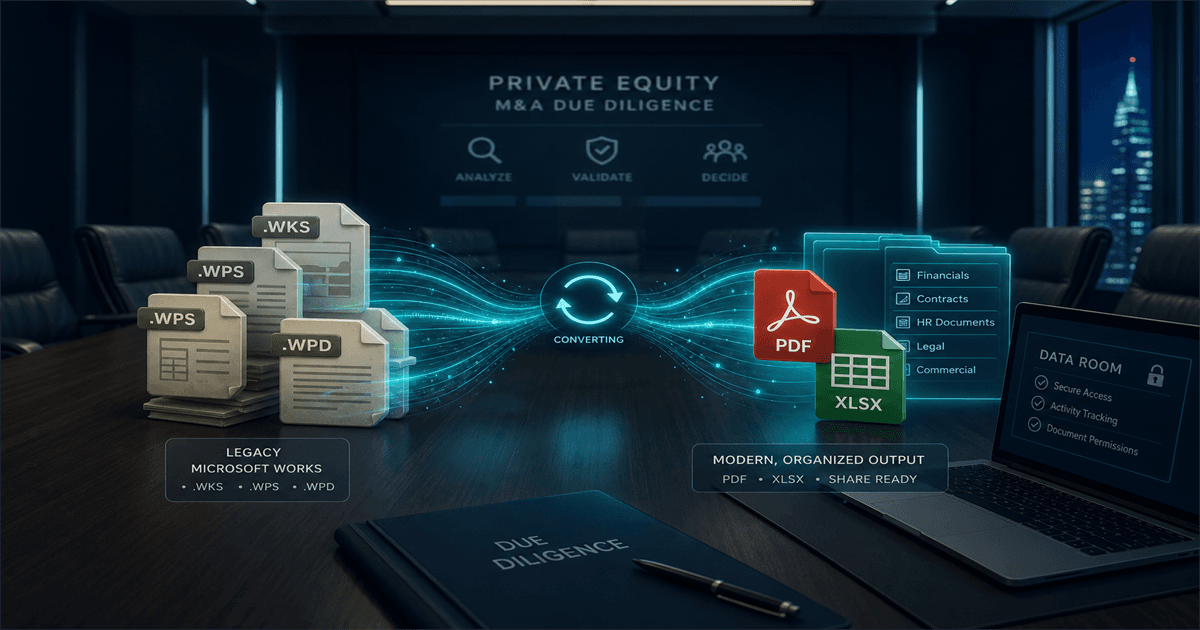
Data rooms full of Microsoft Works binaries slow diligence and create avoidable risk for sellers. Convert the archive locally to XLSX, CSV, and PDF before indexing or sharing, keep the originals in a separate untouched folder, and load only modern formats into the data-room provider.
Legacy files quietly break diligence speed
A data room with .wks, .xlr, or .wps files creates friction for buy-side reviewers and risk for the seller. Many junior team members on the buyer side have never opened a Microsoft Works file in their careers, and waiting for the seller's tech team to "send the converted version" eats into the negotiated timeline.
The pragmatic seller cleans up the spreadsheet archive before the data room opens, not after the first round of buyer questions.
Why upload-based conversion is risky in M&A
Pre-deal financials, customer lists, employee data, and pricing models live in those spreadsheets. Uploading them to a free converter is a textbook information-security failure mode that can torpedo trust at exactly the wrong moment.
A local conversion on the seller's own infrastructure—or inside the deal-prep team's controlled environment—keeps the data inside the perimeter and produces the modern formats the data room needs.
A simple data-room packaging strategy
1. XLSX for editable review
Buy-side analysts will want to recalculate models. XLSX is the right primary format to upload to the data room.
2. PDF for browseable evidence
Generate PDFs alongside the XLSX outputs. They are the format reviewers point to as evidence and what counsel attaches to definitive agreements.
3. CSV for diligence databases
When the buyer is consolidating diligence findings into a database or BI tool, CSV exports are easy to load and easy to diff. Provide them alongside the XLSX where it makes sense.
Originals stay; converted copies travel
Keep the original Microsoft Works file binaries in a separate, untouched archive folder owned by the seller's deal-prep team. The data room receives only modern outputs, with file names that match the seller's indexing convention.
Maintain a per-file conversion log for the originals so any post-close question can be answered immediately—even after the deal team disbands.
Don't let file extensions slow your deal
Diligence already moves on a tight clock. Strip the Microsoft Works file binaries out of the critical path before the buyer ever logs in, and the deal team gets back to negotiating instead of explaining file formats.
Related reading
Clean up the data room before the buyer logs in
Trial Microsoft Works File Converter on a sample diligence package and produce XLSX, CSV, and PDF outputs ready for the data room provider.
Free trial
Full app features - up to 10 files
Windows 10 or 11
Download the offline installer below for the full 10-file trial. Conversion stays on your PC.