Conversion Library Plus: A Private Library for Converted Works Files
Household letters, old databases, and small-office spreadsheets convert cleanly. Finding the one you need six months later is a different job.
TL;DR
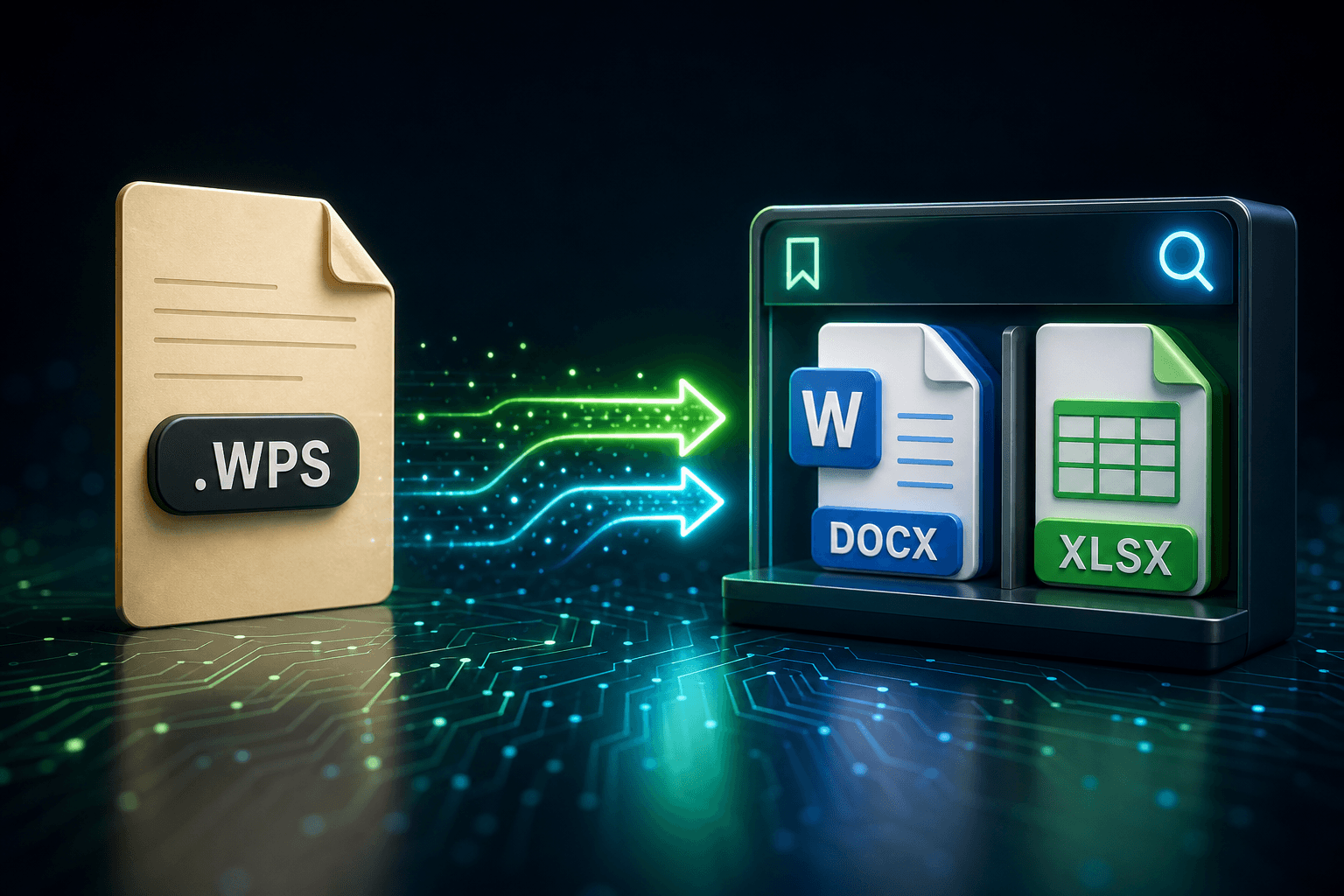
You converted the files. Now make them usable. Conversion Library Plus is your private library of the files you converted — search, preview, bookmark, and organize them on this PC. Nothing is uploaded. Standard converts .wps, .wks, .xlr, and .wdb. Plus unlocks the library in the same MSI with a Plus key ($29.95 one-time).
Works files convert. The pile does not explain itself.
Microsoft Works left a particular kind of mess: a letter in .wps, a budget in .wks or .xlr, a contact list in .wdb, often in the same My Documents tree, often named something like LETTER2 or TAX97. Works Converter will turn those into DOCX, XLSX, PDF, or CSV on this PC. That is the necessary first step. It is not the last one.
After the batch, you still have a folder of modern files whose names do not tell you which one is the insurance letter, which spreadsheet is the 1998 taxes, or which database dump still has a relative’s address. Explorer search looks at filenames. The sentence you remember is inside the document.
Your private library, on this PC
You converted the files. Now make them usable.
Conversion Library turns your output folder into something you can search and navigate — without leaving this PC. Conversion Library Plus is your private library of the files you converted — search, preview, bookmark, and organize them on this PC. Nothing is uploaded. It does not sync, it does not share, and it does not send household files anywhere. The private library window sits on top of the folders Works Converter already wrote.
You can keep several libraries: the family archive on the desktop, the small-office dump on an external drive, a one-off folder from a relative’s PC. Rename an entry so it reads like a project, pin the ones you reopen, and remove a library from the rail when you are done with it. The files stay where you put them.
Search the letters and the spreadsheets together
The local full-text index covers the converted DOCX, XLSX, PDF, HTML, Markdown, and CSV sitting in that folder. A quoted phrase such as "policy number" or a last name will hit the letter and the spreadsheet that mention it. Refine trims the list by type or subfolder when a common word returns too much.
Save the searches you will run again, "insurance," "school," "1998 taxes", as named collections on that library. One click reapplies them. History keeps a local record of opens, indexes, conversion batches, saved-search runs, and review-pack exports so you are not guessing whether you already indexed last weekend’s batch.
Preview tabs, bookmarks, tags
In-app preview tabs let you read a converted Works letter or glance at a spreadsheet without launching Word or Excel for every file. Find-in-document stays in the tab. Bookmark the handful of files that actually matter and group those bookmarks, "estate," "house," "old business", so the next visit is a short list.
Tags and related files are local navigation: how documents on disk sit next to each other and share terms the index already saw. They are not a recommendation engine. They help you jump from a converted .wps letter to the .wks budget that lived in the same folder, or from a database export to the letter that cites it.
A review pack for the files someone else needs
When a family member, a bookkeeper, or a lawyer needs a subset rather than the whole tree, export a review pack from a search result or a multi-select. The library copies those files, writes index.csv and summary.md, and leaves you a folder you can hand over. The rest of the archive stays on your disk.
Open in Conversion Library, then pick up where you left off
Conversion Complete, after a Works batch, offers Open in Conversion Library for Plus: index the new files and focus this run. View output folder still opens Explorer. Check Always open Library after convert if you want the library to come up with the dialog every time. The dialog stays on screen so the counts remain visible.
Welcome back appears when you open the library without a folder: Resume library on the last or pinned Works output, or Browse folder for a different tree. Standard users see the Plus promo on that same completion dialog and can still choose Just see the files to open Explorer. The library window waits for a Plus key.
Standard converts. Plus unlocks the library.
Standard converts the files. Plus unlocks Conversion Library so you can search and navigate what you converted. Same MSI, Plus key. Works Converter Standard remains the converter for .wps, .wks, .xlr, and .wdb. The Plus add-on is $29.95 one-time and unlocks the private library on this PC.
A dozen letters for a single errand may not need the library. A decade of household and small-office Works files, converted once and lived with afterward, is exactly what the library is for.
What Plus adds on this PC
- Private library window over converted Works output. Nothing is uploaded.
- Local full-text index with quoted phrases and Refine by type or folder.
- Saved libraries you can rename, pin, or remove from the rail.
- History of opens, indexes, conversion batches, saved-search runs, and review-pack exports.
- Saved searches as named collections on each library.
- In-app preview tabs, bookmarks and bookmark groups, tags and related files.
- Review pack export with index.csv and summary.md.
- Conversion Complete: Open in Conversion Library, always-open after convert, Welcome back / resume.
Keep the household archive on this PC, and make it findable
Works Converter already gets you out of .wps and .wdb. Conversion Library Plus is the private window over what you converted: search the letters, preview the spreadsheets, bookmark the few files that matter, and leave the rest on this machine.
Related reading
Unlock Conversion Library Plus
Standard converts Microsoft Works files on this PC. The Plus add-on ($29.95 one-time) unlocks the private library so you can search and navigate what you converted. Same installer, Plus key.
Free trial
Full app features - up to 10 files
Windows 10 or 11
Download the offline installer below for the full 10-file trial. Conversion stays on your PC.