History Lesson: Microsoft Works and the .wps File
The budget suite PC makers preinstalled — letters in .wps, sheets in .wks and .xlr, lists in .wdb — and the files that outlived the product.
TL;DR
Microsoft Works was not Microsoft Word. It shipped first for Macintosh on 2 October 1986, then for DOS in 1987, and for Windows in 1991 at $199.95 when Word listed around $495. PC makers preinstalled it on millions of home machines. Letters lived in .wps, spreadsheets in .wks and later .xlr, contact and other lists in .wdb. Works 9 arrived on 28 September 2007. Microsoft ended the line in October 2009 in favor of Office Starter 2010. Word 2013 and later no longer ship a Works converter. The legacy home and school files are still on disks. Works Converter turns .wps, .wks, .xlr, and .wdb into DOCX, PDF, XLSX, or CSV on this PC.
A suite for the home PC, not a Word clone
Microsoft Works was a small productivity suite: a word processor, a spreadsheet, and a database in one box. It was aimed at households and schools that needed letters, budgets, and address lists without buying full Microsoft Office. It was never the same product as Word, even when the screens looked vaguely familiar.
That distinction still matters. A .wps file is a Works word-processor document. Opening it in modern Word is not a matter of renaming the extension. The formats were adjacent products from the same company, not interchangeable saves of the same program.
Mac first, then DOS, then Windows
Works began on the Macintosh. Microsoft shipped the first version on 2 October 1986. A DOS edition followed in 1987, which put Works on the IBM-compatible machines that filled American dens and school labs.
The Windows release arrived in 1991. List price was $199.95, set against Word at about $495. The pitch was simple: enough word processing, spreadsheet, and database for home and classroom work, at a price a family or a school district could justify.
PC makers preinstalled Works on millions of new machines through the 1990s and 2000s. For a lot of households, Works was not software they chose from a shelf. It was already on the desktop when they unpacked the box.
What .wps, .wks, .xlr, and .wdb actually were
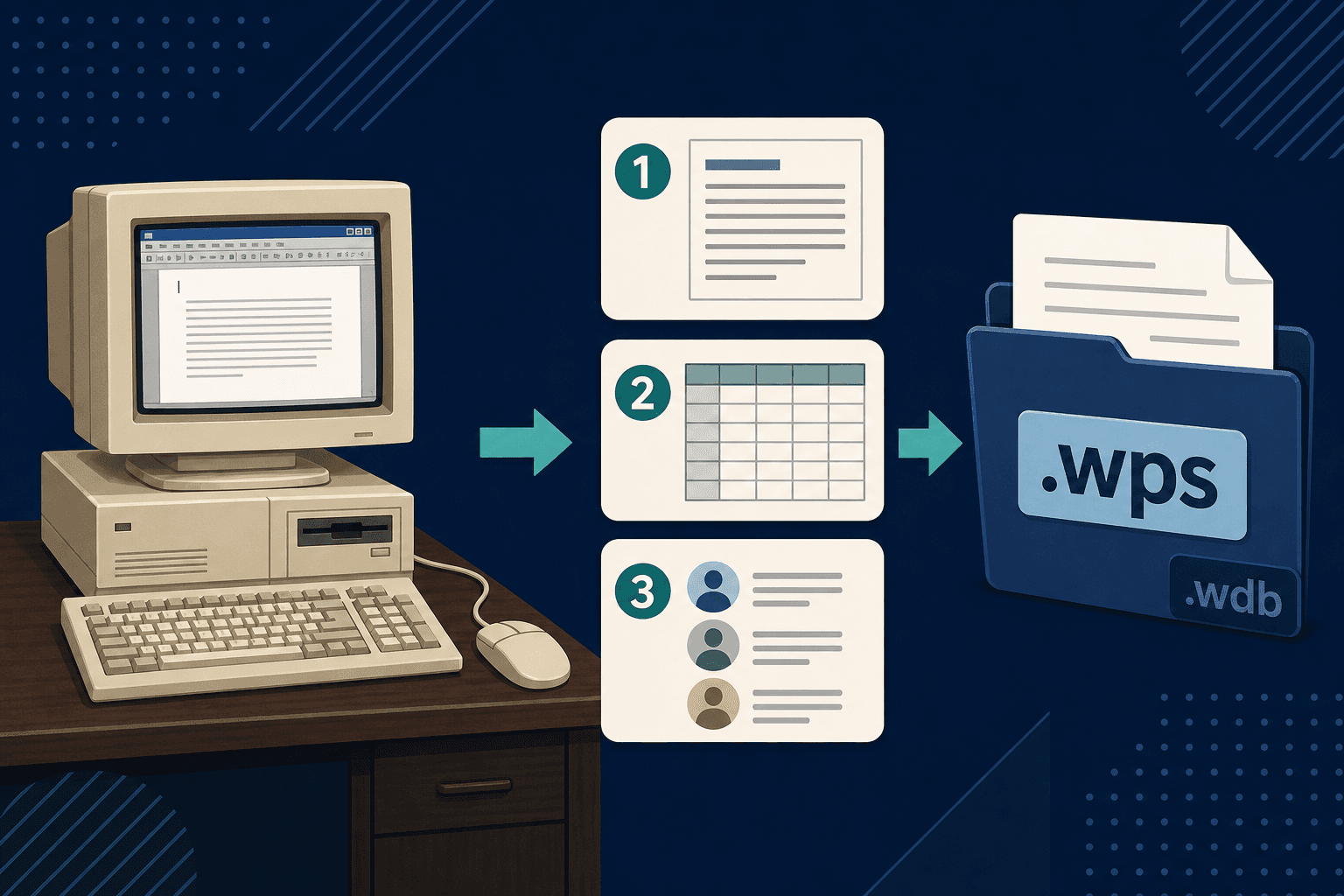
Works saved each module under its own extension. The names look cryptic only if you never lived with the suite:
- .wps — word-processor documents: letters, school reports, church newsletters, recipes pasted into a page.
- .wks and later .xlr — spreadsheets: household budgets, grade books, small-office tables.
- .wdb — database files: address books, membership lists, inventory-style tables.
Three tools, one product name
That split is why a legacy Works folder feels confusing today. One tree can hold a letter in .wps, a tax worksheet in .wks or .xlr, and a contact list in .wdb, all named something like LETTER2 or TAX97. They came from the same suite. They are not the same file type.
One naming collision is worth a single sentence: some other products later reused the .wps extension for unrelated word-processor files. A Works .wps from a 1990s home PC is still a Microsoft Works document, not a modern Word file and not a random third-party clone.
Works 9, then the end of the line
Microsoft kept shipping Works long after Office became the default for workplaces. Works 9 — the last major consumer release most people mean when they say “Works” — arrived on 28 September 2007.
In October 2009, Microsoft ended the Works product line. The replacement path for low-cost Windows PCs was Office Starter 2010, a limited Word and Excel experience, not another Works suite. New machines stopped carrying Works. Old folders did not delete themselves.
Word stopped helping
For a while, Microsoft Word could still open some Works word-processor files with an installable converter. That bridge did not last. Word 2013 and later no longer include a Microsoft Works converter. Double-click a .wps on Windows 11 and you get an unknown-app prompt, a failed open, or a program that was never meant for that format.
Excel was never a reliable home for .wks, .xlr, or .wdb either. The suite that created those files is gone from the Start menu. The bytes are still sitting in My Documents trees, on USB sticks labeled “old PC,” and in school archives nobody migrated.
The legacy home and school pile
A .wps from 1998 is often a real letter: insurance notes, a child’s report, a will draft, a club newsletter. A .wdb may still hold addresses you cannot get from any other copy. The application is discontinued. The content is not optional.
If you need those pages in Word, Excel, or as a PDF, convert them on this PC. Do not upload a household or school archive to a random website just to see what is inside.
Works Converter reads .wps, .wks, .xlr, and .wdb locally on Windows and writes DOCX, PDF, XLSX, or CSV. Nothing is uploaded.
The suite is gone. The files are not.
Microsoft Works started on the Mac in 1986, reached DOS and Windows as the affordable suite PC makers preinstalled, and ended in 2009 when Office Starter took its place. .wps letters, .wks/.xlr sheets, and .wdb lists remain on disks Word will not open. Convert them locally and the archive becomes usable again.
Related reading
Convert legacy Works files on this PC
Works Converter turns .wps, .wks, .xlr, and .wdb into DOCX, PDF, XLSX, or CSV locally — a quiet fit for home and school archives you would rather not upload.
Free trial
Full app features - up to 10 files
Windows 10 or 11
Download the offline installer below for the full 10-file trial. Conversion stays on your PC.