A Local Alternative to CloudConvert, Convertio, and Zamzar for Microsoft Works Files
Those sites are fine for one modern file. A legacy Works folder is a different job.
TL;DR
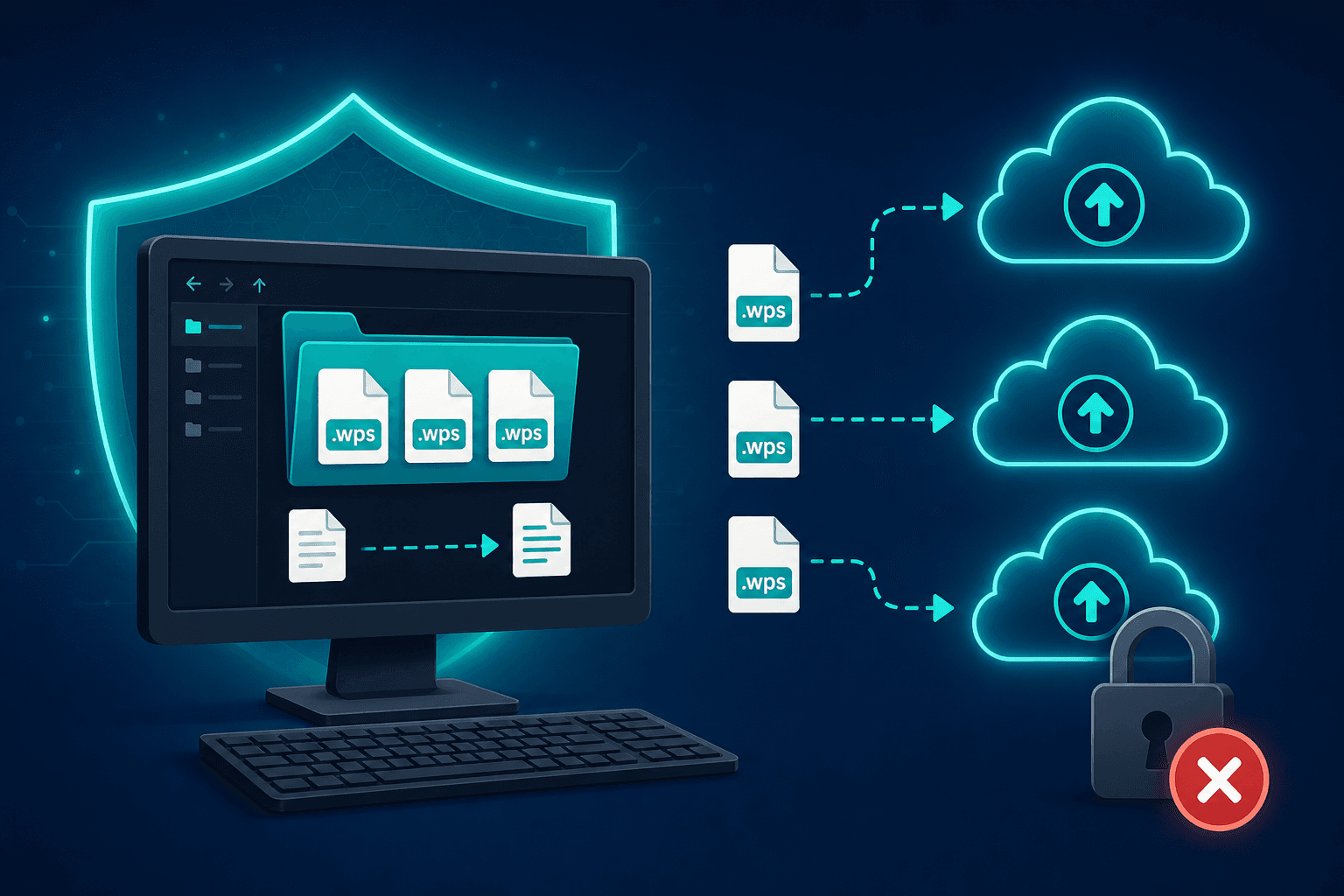
CloudConvert, Convertio, and Zamzar convert on their servers. That works for one modern file. A legacy pile of .wps from old home PCs and small offices is a different job: batch volume, household privacy, and no reason to ship archives off the machine. Convert to DOCX or PDF locally with Works Converter.
Online converters use an upload model
CloudConvert, Convertio, and Zamzar all follow the same pattern: you send a file to their servers, they convert it there, and you download the result. That is a reasonable trade for a single modern document when you already accept the upload.
CloudConvert can convert .wps — they publish a WPS converter page. The free tier is about 10 conversions per day with a 1 GB limit, files are removed after 24 hours, and heavier use runs on credits rather than a simple dollar price. Convertio Lite is listed around $11.99 per month or $6.99 on a yearly plan. Zamzar’s free tier allows two conversions every 24 hours; paid plans are commonly shown at $12, $19, and $39, with storage on the higher tiers.
None of that is a slam on the products. It is the shape of a cloud job: limits, retention windows, and credits or subscriptions tied to someone else’s infrastructure.
Why legacy Works folders are a different job
Microsoft Works came free on millions of PCs. Households and small offices wrote letters, budgets, and contact lists in .wps, .wks, .xlr, and .wdb, then left those folders behind when they moved to Word and Excel. The archive is often a decade of LETTER2, TAX97, and poorly named drafts — not one polished PDF.
Uploading that pile means many round-trips against daily caps, watching retention clocks, and deciding whether school notes, insurance letters, or old client lists belong on a third-party converter. For one file you might shrug. For a legacy Works tree, the friction and the privacy question both grow.
What “local” changes
A local converter keeps the upload out of the picture. Files stay on the PC while you turn .wps into DOCX or PDF (and spreadsheets or databases into modern Excel or CSV when you need those). You are not pacing a free-tier counter or buying credits to finish last weekend’s folder.
That does not make CloudConvert, Convertio, or Zamzar unable to handle Works word-processor files. It means their upload model is a poor fit when the job is a legacy archive you would rather not ship off the machine.
When an online converter is still fine
One non-sensitive modern file, a quick format you already trust them with, and no pile behind it — online tools earn their keep there. Skip them when the folder is old household or small-office Works data, when volume would burn through free limits, or when you simply do not want the archive on someone else’s disk even for 24 hours.
Local conversion vs upload sites for legacy Works
- No upload step: .wps and other Works files stay on this PC.
- Batch-friendly for legacy home and small-office folders, not one-file daily caps.
- DOCX and PDF outputs you can open in modern apps without a Works install.
- No credit packs or monthly Lite plans required to finish an archive.
- CloudConvert, Convertio, and Zamzar remain options for one-off modern files you choose to upload.
Keep the legacy Works pile on this PC
Those sites are fine for one modern file. A legacy Works folder is a different job. Convert the archive to DOCX or PDF on the machine that already holds it, and leave the upload model for the one-offs that belong there.
Related reading
Convert legacy Works files on this PC
Works Converter turns .wps, .wks, .xlr, and .wdb into DOCX, PDF, and other modern formats locally — a quiet fit for household and small-office archives you would rather not upload.
Free trial
Full app features - up to 10 files
Windows 10 or 11
Download the offline installer below for the full 10-file trial. Conversion stays on your PC.